
Industries
Education & campus digital signage
Reach students, staff, and visitors where they already look. AdSign makes it easy for administrators to publish timely announcements across buildings or the whole district.
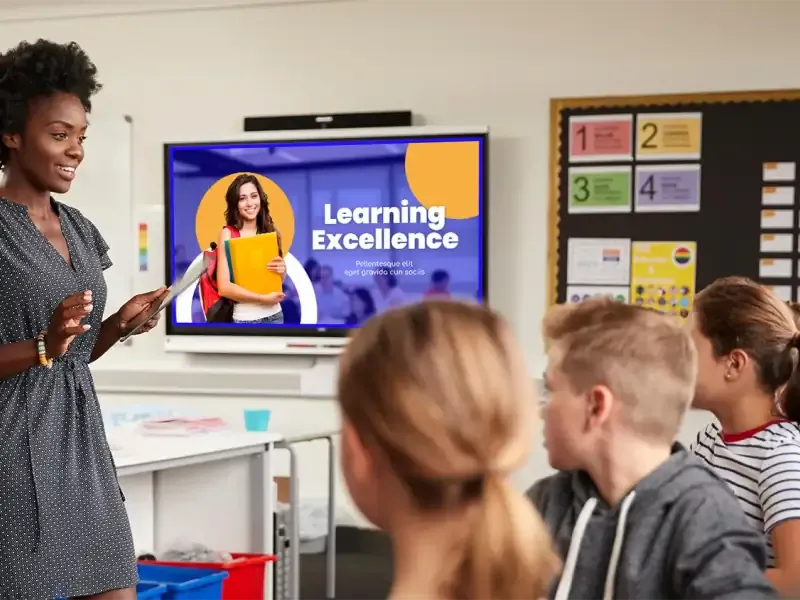
- Daily announcements, events, and emergency-ready messaging
- Department or building-specific playlists
- Affordable per-screen pricing for tight budgets
- Works with common displays — no proprietary hardware lock-in
How it works for schools and campuses
-
Put a screen in the hallway students already use
A commons, a cafeteria entrance, or a building lobby is the first install. The player sits on a display the school already owns and checks in to the campus account.
-
Schedule the week, not a single slide
Announcements, game nights, and the lunch menu each have a window. When Friday ends, Monday’s board is already queued so someone is not rebuilding it Sunday night.
-
Let each building publish, or keep it central
A district office can push a message to every school. A building admin can run a playlist that only that site sees. Both use the same account.
Campus messages that go stale in print
Daily announcements and events
Clubs, assemblies, and early-release days belong on the hallway screen with an end date. Visitors see the same board staff see, without a paper flyer that outlives the event.
Cafeteria menus
Publish the week’s menu once and day-part it so breakfast and lunch are not on screen together. A menu change does not mean a new laminated card.
Building-specific boards
Athletics, a faculty office, and a residence hall can each have a playlist. A campus-wide notice still reaches all of them when the central office publishes it.
Questions about education signage
- Can a district office and a single school both publish?
- Yes. Central staff can target every site, and a school can keep a playlist that only its screens play.
- Is pricing realistic for a school budget?
- Business pricing is $3 per screen per month, not per student and not per staff login. A 7-day trial covers the full scheduler before you commit.
- Can we show a different board after school hours?
- Yes. Scheduling changes the playlist by time of day, so a community-event board can replace the student announcement loop in the evening.
- Do we need special displays?
- No. Android TV, Windows, and Raspberry Pi players work with ordinary commercial screens already mounted in hallways and offices.
Other industries
See features, pricing, and the white-label program for agencies. For playbooks on selling signage, browse the AdSign blog.